The Inevitable Physics of Lithium Decay
We have all experienced it: your brand-new smartphone easily lasts 36 hours on a single charge. Twenty-four months later, the battery meter plunges from 40% to 12% during a cold morning walk, and you find yourself tethered to a portable charger by 3:00 PM.
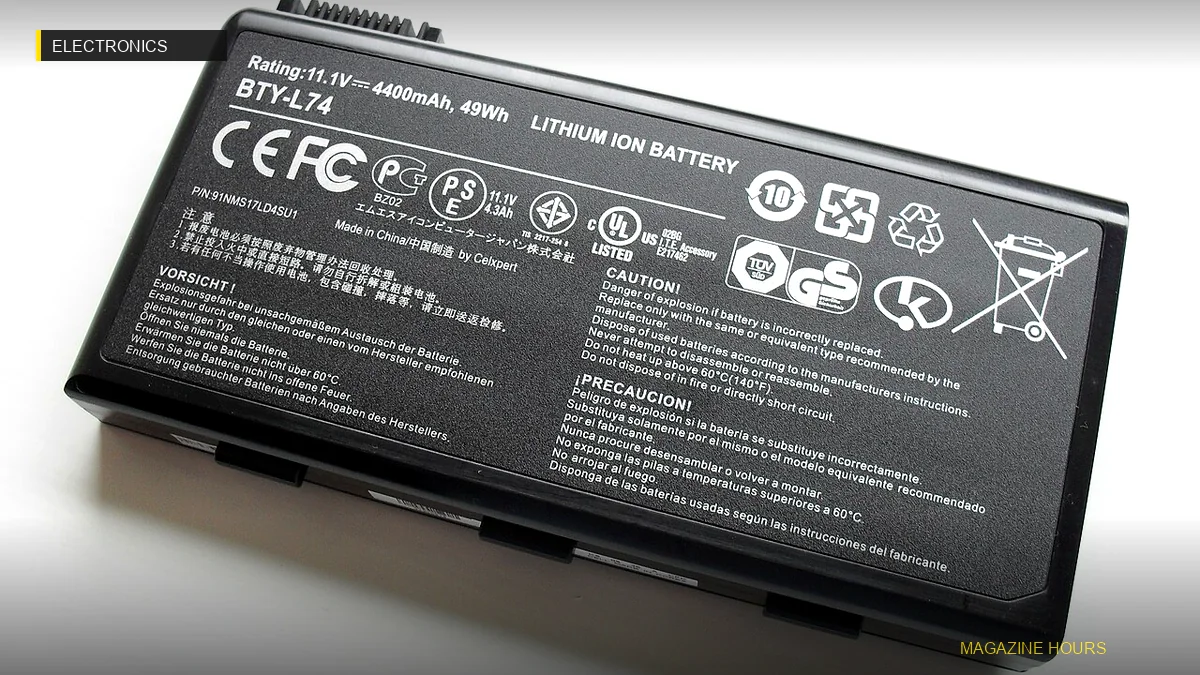
Battery degradation is not a scam; it is fundamental electrochemistry. With every charge and discharge cycle, lithium ions shuttle between the anode and cathode. Over time, microscopic lithium metal deposits (dendrites) form, and parasitic chemical reactions consume the active electrolyte. However, how you charge dictates whether this decay takes 2 years or 6 years.

The Enemy Is Heat and High Voltage
Lithium-ion cells experience physical lattice stress under two specific conditions: temperatures above 35°C (95°F) and cell voltages above 4.1V (which corresponds to 85-100% charge).
- Never Fast-Charge Under a Pillow or in Direct Sunlight: Thermal buildup during fast charging accelerates cathode breakdown. Charge your phone on a hard, flat surface without a thick insulating case.
- Avoid the 0% to 100% Extremes: Operating your battery within the sweet spot of 20% to 80% reduces mechanical stress on the graphite electrodes by up to 75%.
Actionable Settings to Toggle Today
- iOS: Enable Settings → Battery → Battery Health & Charging → 80% Limit (iPhone 15 and newer) or Optimized Battery Charging.
- Samsung / Android: Turn on Protect Battery in device settings to automatically halt charging at 80% or 85%.
- MacBook / Windows: Use native tools or utilities like AlDente to cap battery charge at 70% if your laptop stays connected to an external monitor 90% of the week.

Key Takeaways and Summary
To put these insights into immediate, practical action:
- Prioritize intentionality: High-value results come from focused execution rather than frantic overexertion.
- Audit your environment: The tools, systems, and routines you tolerate determine your daily cognitive quality.
- Iterate continuously: Treat your habits as ongoing experiments that compound over months and years.